
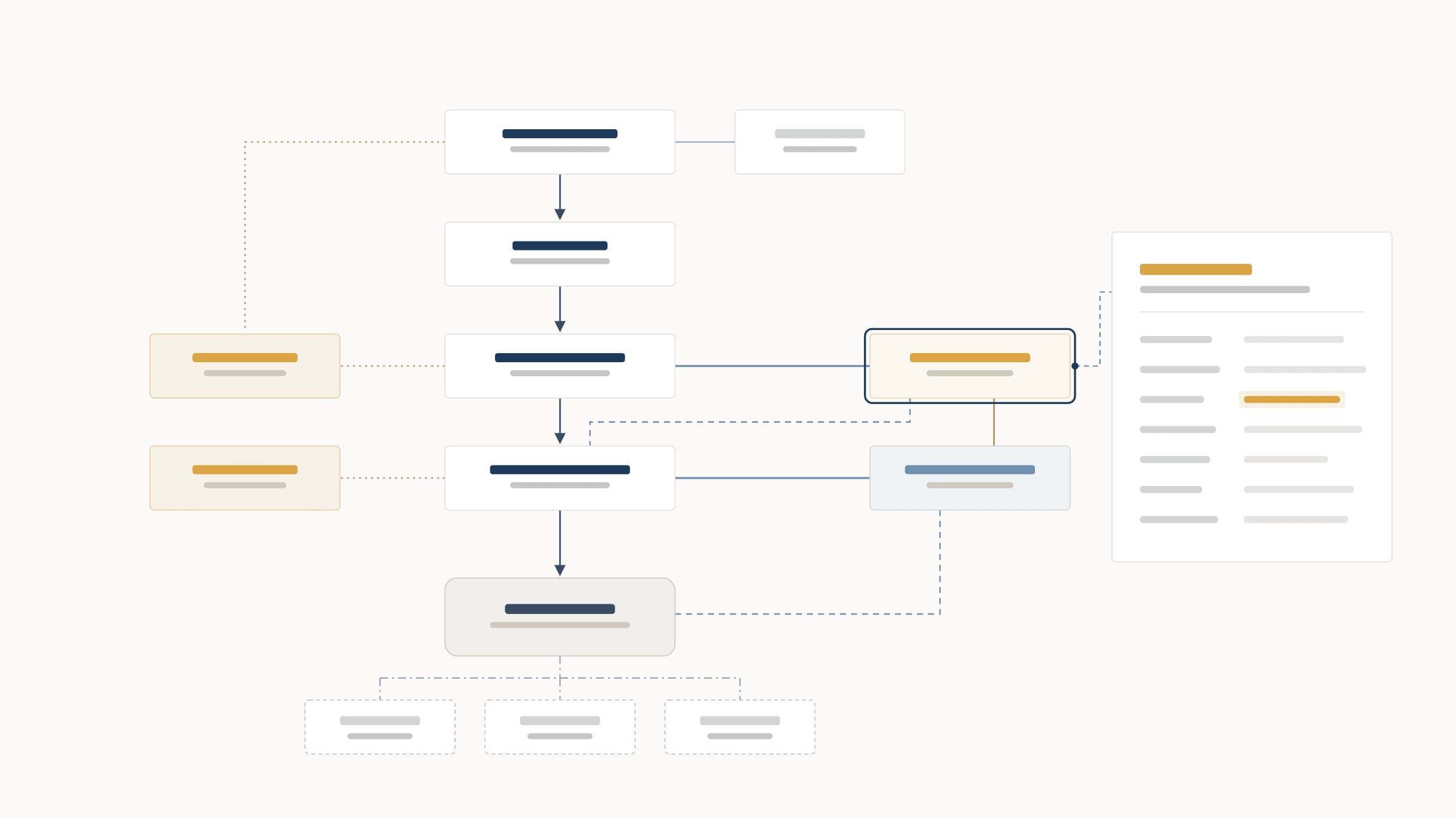
Interactive Deal Map
Click any entity, loan, or guarantee to view its details. Use the buttons at the top to highlight only loans, only guarantees, or a specific party.
This is a demo deal map for Meridian Tower, Unit B, a fictional office condominium financing. The names, figures and dates are all made up, but the map works the way Notessa does with a real deal file. For a bigger view, select “Open full screen”.
Ask five people who owns a deal and you may get five answers, plus a polite suggestion to “check the org chart.”
Then someone opens the org chart. It’s a slide from the closing deck. The boxes are the right shape. The arrows are mostly in the right places. And it was accurate on exactly one day: the day the loan closed.
The org chart isn’t the problem. The problem is that it’s a picture of the deal at a moment in time, and deals don’t sit still.
A deal is not a slide
Entities get added. Loans get extended, assigned and split into notes. Guarantees pile up. Interests get pledged. Leases get layered under master leases under subleases. And the documents that explain how it all fits together are spread across a closing binder that no one has opened since closing.
Meanwhile, the org chart sits quietly in a PDF, frozen in time.
Your org chart should know more
A decent org chart tells you that the Mezz Borrower owns the Mortgage Borrower.
A great one tells you everything that sits behind that line:
Meet the deal map that actually works for you
Notessa reads your transaction documents and builds the ownership, debt and credit-support structure for you, so every box and every line traces back to the provision behind it.
The goal isn’t a prettier org chart. A prettier org chart is still a picture of one day.
The goal is a structure you can navigate, question and trust, and one that keeps up as the deal changes.
Your deal map should show you who owns the deal.
With Notessa, it doesn't have to be complicated...